Genesis
Everyone decides on a home from a drawing they can't actually read.
A floor plan is a contract written in a language most people don't speak. Lines, little arcs for the doors, a number that says 24 m² and means nothing until you're standing in it. People sign leases, knock down walls, and commit to a sofa on the strength of a sketch they're quietly guessing at.
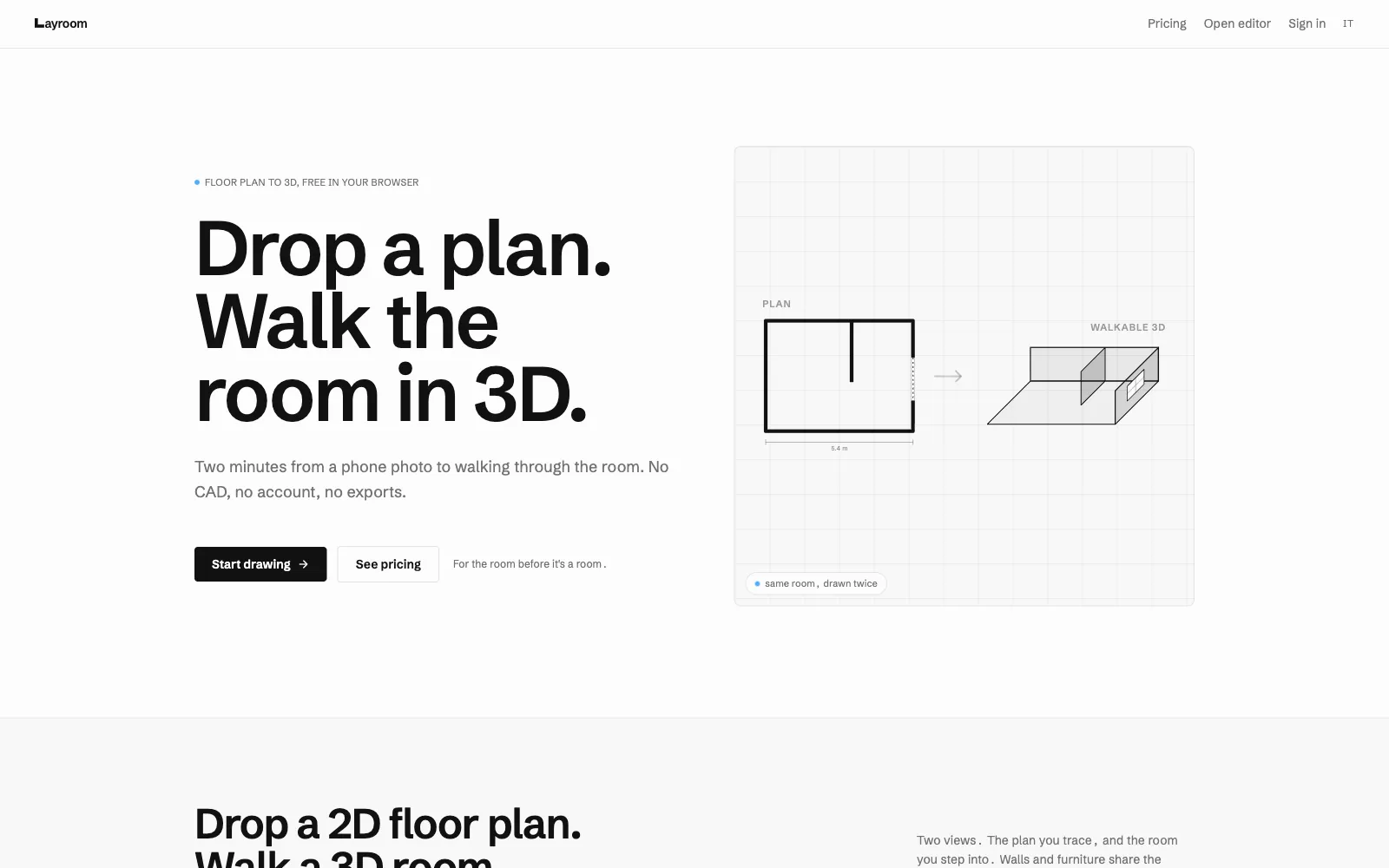
Layroom started from that gap. Upload the plan you already have, trace its walls, and walk through the result in 3D, in the same browser tab, with no CAD, no install, and no account to get going.
From flat to walkable
Two surfaces, one truth: a precise 2D plan and a room you can stand inside.
- Trace
- You draw the walls over your uploaded plan on a fast 2D canvas. Snapping, right angles, real dimensions. AI assists the tracing, so even a crooked photo of a plan becomes clean geometry.
- Extrude
- Those walls rise into a 3D room you walk through with the mouse. Doors, windows, ceiling height. The 2D plan and the 3D space are the same model, seen two ways.
- Furnish
- Drop furniture from a starter catalog, or generate a custom piece for the corner nothing off the shelf will fill. The room stops being a layout and becomes yours.
Real 3D, for people who don't do CAD
The hard part isn't the rendering. It's making 3D feel like nothing at all.
Browser 3D is generous now, but the audience isn't technical. The whole point is that someone who has never opened a modeling tool can trace a plan and walk a room in a few minutes. Every gizmo, every handle, every camera control is a chance to lose them.
So the two surfaces stay locked together: edit a wall in 2D and the 3D updates; move in 3D and the plan agrees. State lives on the server, so a scene survives a refresh and follows you to another device. The frame budget is fixed, because a tour that stutters is a tour nobody believes.
What I'm still learning
Geometry doesn't forgive, and a believable room is mostly the boring parts.
A plan is forgiving; a room is not. A wall a few centimeters off reads as wrong the moment you step inside it, even when nobody can say why. Most of the work is the unglamorous middle: snapping, units, the thousand small corrections between a drawing and a space you trust.
Layroom is in public beta, version by version. Each release is one more reason to believe the room before you've paid for it.